
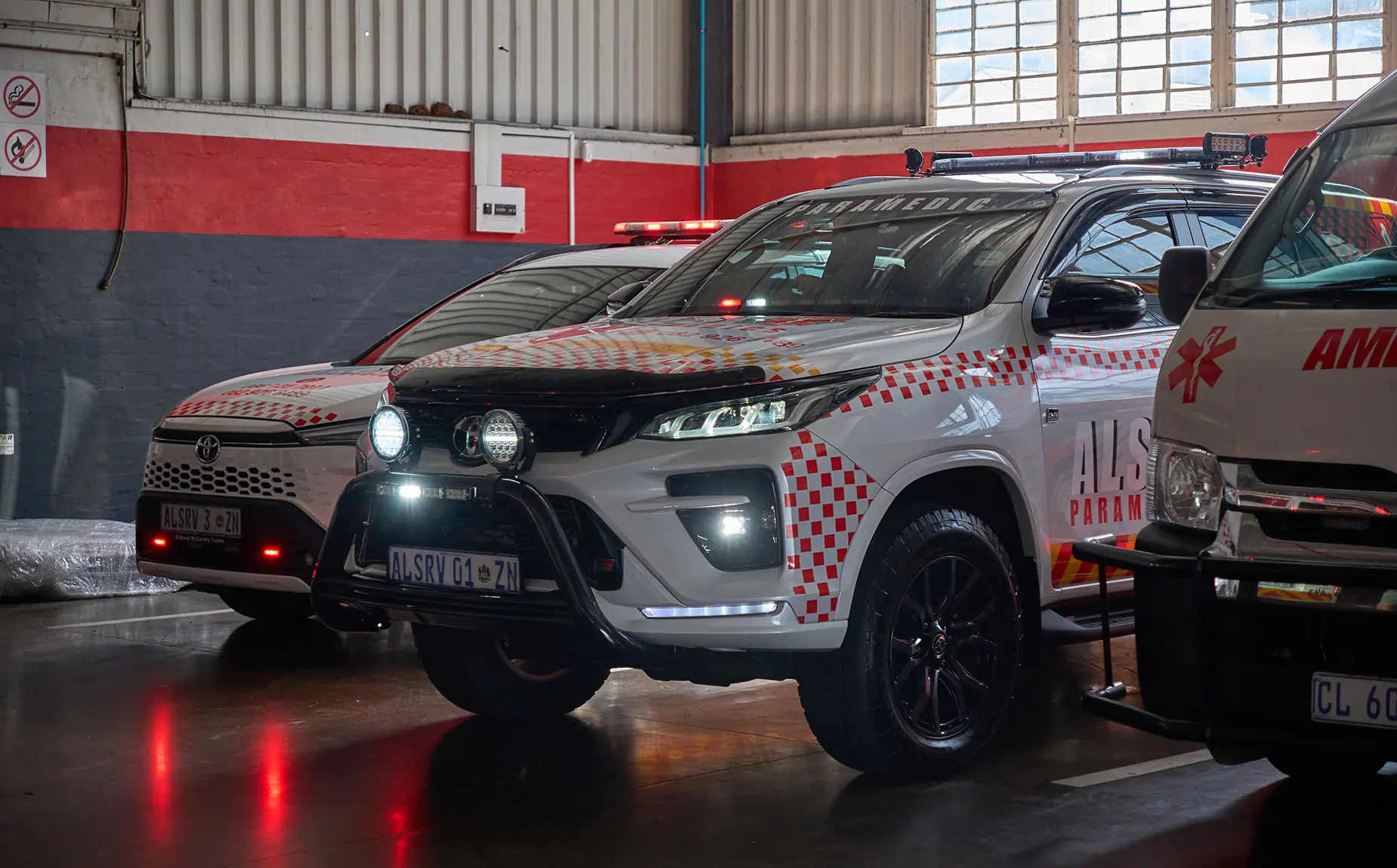
Emergency help,one press away.
The ALS Paramedics Panic Button app is free on iPhone and Android. One long press sends the ALS control room everything a crew needs to reach you and treat you.
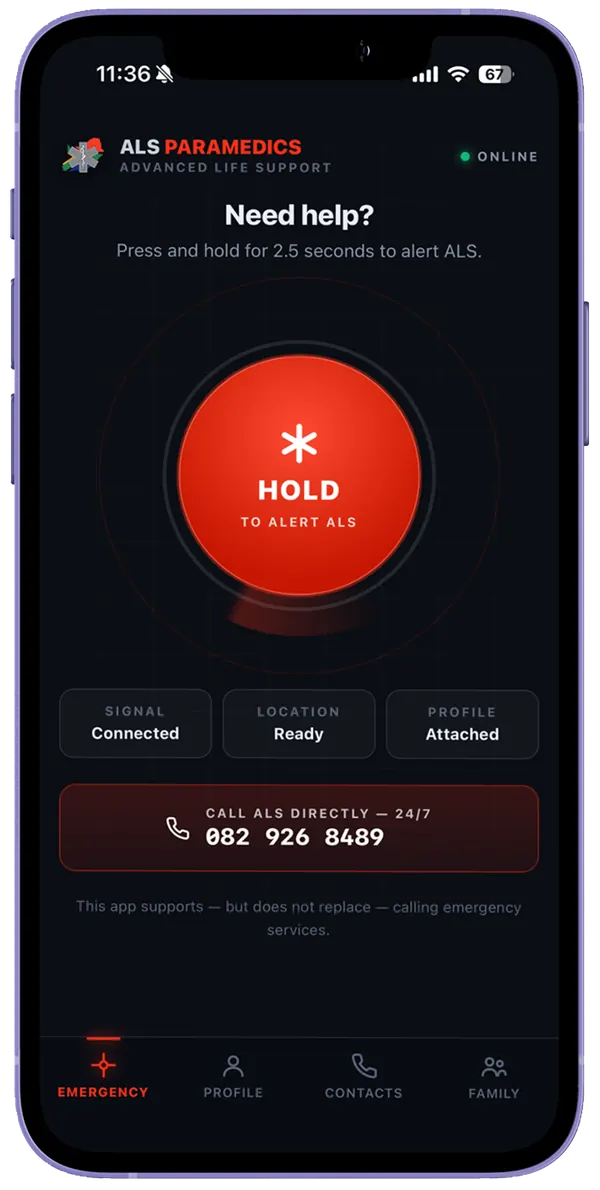
What does ALS receive when you press?
The alert goes straight to the ALS team, with the details saved in your profile, at no cost to you.
Your exact location
The crew knows where to find you.
Your blood type
Ready the moment it matters.
Medication and allergies
From the profile you filled in.
Medical aid details
So nothing holds up your care.
How do you set it up for someone you care for?
Install the free app
From the App Store or Google Play, on their phone.
Complete the profile
Add blood type, medication, allergies and medical aid. You choose what to save.
Show them the hold
Press and hold the red button for 2.5 seconds. The long press stops accidental alerts.
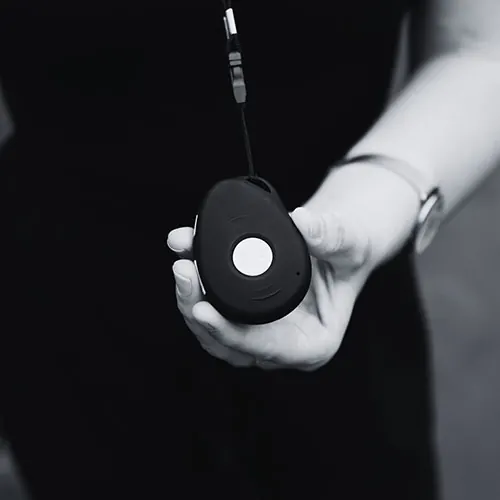
No smartphone? Ask about the panic device.
A wearable button linked to the ALS control centre, made for elderly people who live alone.
- Direct 24/7 link to the control centre
- GPS location tracking
- Automatic fall detection
- Two-way voice communication
What happens to the medical details in your profile?
They are used only to respond to your alert. Health information is special personal information under POPIA, and the privacy policy explains how ALS keeps it, who sees it and how to delete it.